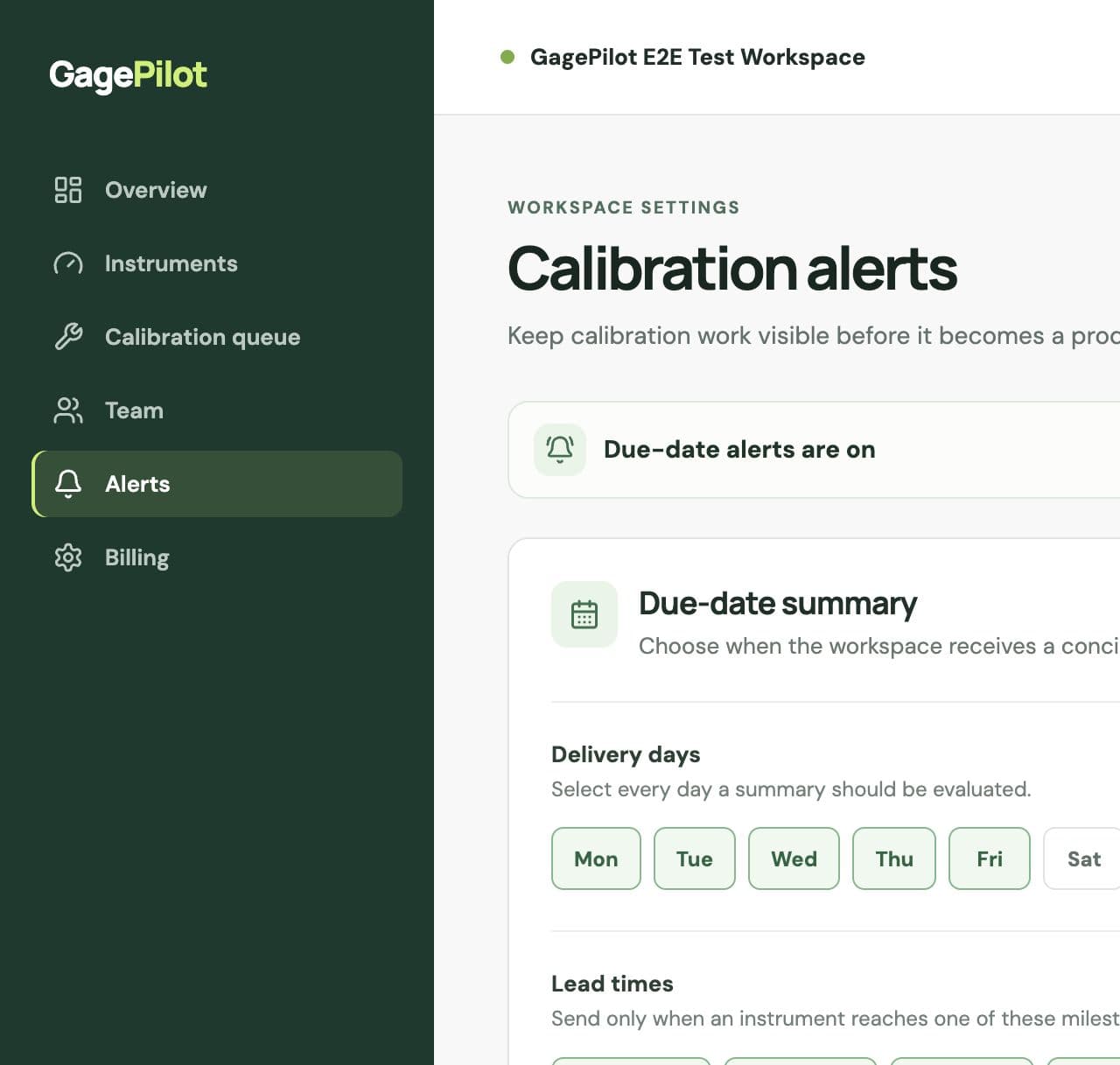
Configure the due-date summary
- Open AlertsOnly workspace owners and admins can change alert settings.
- Choose delivery daysSelect the weekdays on which the summary should be evaluated.
- Choose lead timesUse milestones such as 30, 14, 7, 1 day, or due today.
- Include overdue workKeep overdue instruments visible in every summary until the record is updated.
- Choose recipientsSend to workspace members, instrument assignees, or additional email recipients.
Failed calibration alerts
A failed calibration sends an immediate out-of-service email to workspace owners, admins, and the instrument assignee when an assignee email is available. The register also marks the instrument unavailable so it is visible in the queue.
Make alerts actionable
- Assign an owner or department to instruments that require follow-up.
- Use a 30-day lead time when outside-lab scheduling takes time.
- Keep overdue items included until the calibration record is complete.
- Review additional recipients when responsibilities change.