Download the template
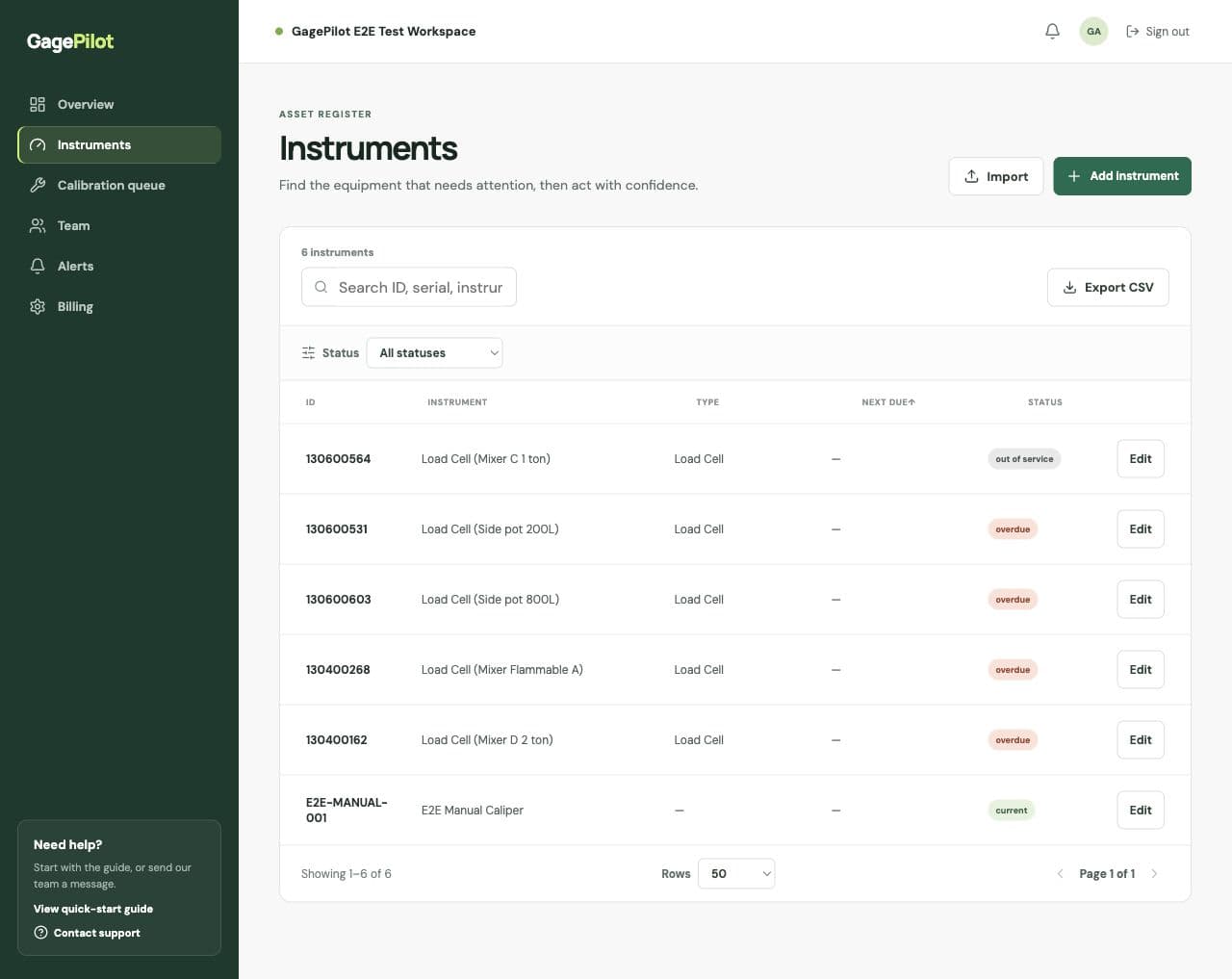
Use the GagePilot calibration tracking spreadsheet template to start a register, clean up an existing file, or standardize the fields your team uses before choosing a system.
Download the free calibration tracking spreadsheet →Core fields for a useful register
| Field | Purpose |
|---|---|
| Instrument ID | The stable identifier used to find the asset. |
| Instrument / Gage | A clear human-readable description. |
| Serial Number | The manufacturer’s identifier when available. |
| Location and Owner | Where the instrument is and who is responsible. |
| Last Calibrated and Next Due | The dates needed to understand history and upcoming work. |
| Provider and Interval | Who performs the work and the current interval used by your procedure. |
When a spreadsheet stops being enough
Spreadsheets become fragile when reminders, certificates, permissions, history, and audit retrieval depend on manual upkeep. GagePilot accepts the same core register fields, then adds a controlled workflow around them.